
Halloween: The Game PC Requirements
Use this table to compare your Windows PC with the official minimum and recommended targets. The figures come from the Epic Games Store listing and are not a performance test by this guide.
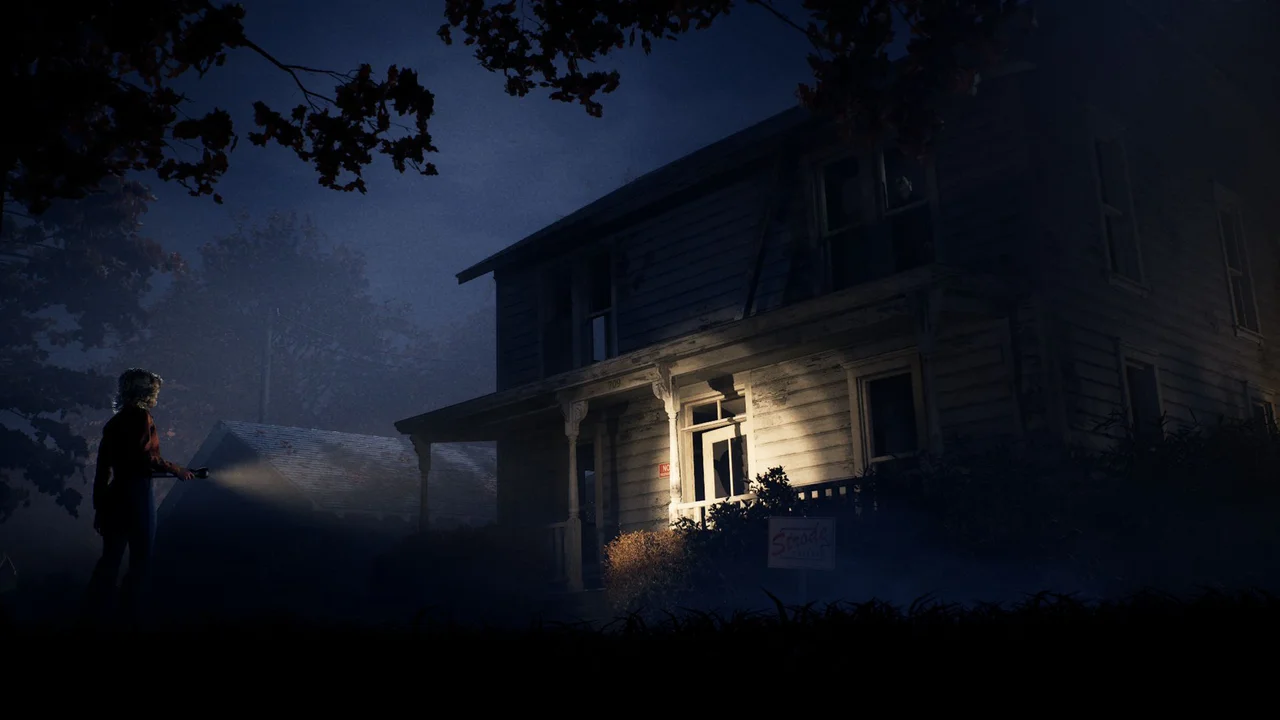
Minimum and Recommended PC Specs
These are publisher-supplied system targets. A component above the minimum line does not guarantee a specific frame rate or graphics setting.
| Component | Minimum | Recommended |
|---|---|---|
| Operating System | Windows 11 64-bit | Windows 11 64-bit |
| Processor | Intel LGA 1200+ or AMD AM4+ (Zen 2+) | Intel LGA 1700+ or AMD AM5+ |
| Graphics | NVIDIA GTX 1660+, AMD RX 590+, or Intel Arc A770+ | NVIDIA RTX 3000 series or AMD RX 7000 series |
| Memory | 16 GB RAM | 32 GB RAM |
| DirectX | Version 12 (DX12) | Version 12 (DX12) |
| Storage | 45 GB available space (SSD/NVMe) | 45 GB available space (SSD/NVMe) |
| Publisher's GPU target | 1080p at 30 FPS | 4K at 30 FPS |
How to Use the Table
Check the whole minimum column before comparing the publisher's two resolution targets. The store supplies broad CPU and GPU families, not a complete list of supported individual models.
Find Your Windows Specifications
- Open Windows Settings → System → About for the processor model, installed RAM and system type.
- Open Task Manager → Performance → GPU to read the graphics model; compare that model with the GPU row.
- In File Explorer → This PC, check that the intended SSD/NVMe drive has at least 45 GB free.
Read the CPU Row Carefully
LGA and AM labels describe processor sockets. Sharing a socket does not establish equal CPU performance. In particular, the minimum AMD entry also specifies Zen 2 or newer; an AM4 label alone does not satisfy that full description.
If you cannot match your exact processor to the listed architecture, check its manufacturer's specification instead of treating the socket as a performance pass.
Epic labels the minimum GPU tier 1080p at 30 FPS and the recommended tier 4K at 30 FPS. These are publisher targets, not measurements by this website. The listing does not name a graphics preset or establish 60 FPS, laptop-equivalent performance or Steam Deck compatibility.
Crashes despite meeting the requirements?
Compare the symptom and platform with the current developer-acknowledged issues. Meeting the hardware table does not rule out a game bug; record the displayed build and the action immediately before a crash.
Startup compilation, unsupported graphics, or a crash?
IllFonic’s October 6 Patch 1.1.0 notes adds shader precompilation at PC startup and a graphics-card warning for hardware below the minimum specification. These are different checks: a startup compilation stage is not by itself a crash, and a below-minimum warning is not solved by treating the recommended column as optional decoration.
- If the game shows shader compilation, distinguish that stage from an error or a closed process. The notes do not give a normal duration, so no fixed waiting time is promised here.
- If it shows a graphics-card warning, compare your GPU with the minimum column above. A socket or GPU-family resemblance is not a complete compatibility pass.
- If it closes or crashes, record your GPU, displayed build and whether it happened during startup, Story Mode or an execution. Send those details through the issue-report route.
The patch adds DLSS-G and lists DLSS, FSR and XeSS performance improvements. That does not guarantee support on every GPU or establish a measured frame rate for your system.